Troubleshooting
Most DoomsDay problems come down to Java, the wrong build for your loader, or Windows file associations. Work through the list below – every fix takes under two minutes.
The JAR opens with the wrong program (or with an archive tool)
Windows sometimes forgets that .jar files belong to Java. Run the free JarFix utility once, or right-click the file, choose Open with and select Java(TM) Platform SE binary. Tick "Always use this app" so it sticks.
Double-clicking does nothing
Java may be missing or too old. Install a current runtime from java.com, then try again. You can also start the client from a terminal with java -jar DoomsDay.jar – the output shows the actual error if one exists.
"java" is not recognized as a command
The Java folder is not on your system PATH. The simplest fix: reinstall Java with the official installer, which registers it automatically. On Linux, install the default-jre package through your package manager.
The client does not load with my launcher
Match the DoomsDay build to your Minecraft version and loader. The supported versions page lists every loader. If a brand-new Minecraft release just dropped, give it a few days – support is usually added quickly and announced on Discord.
The GUI does not open
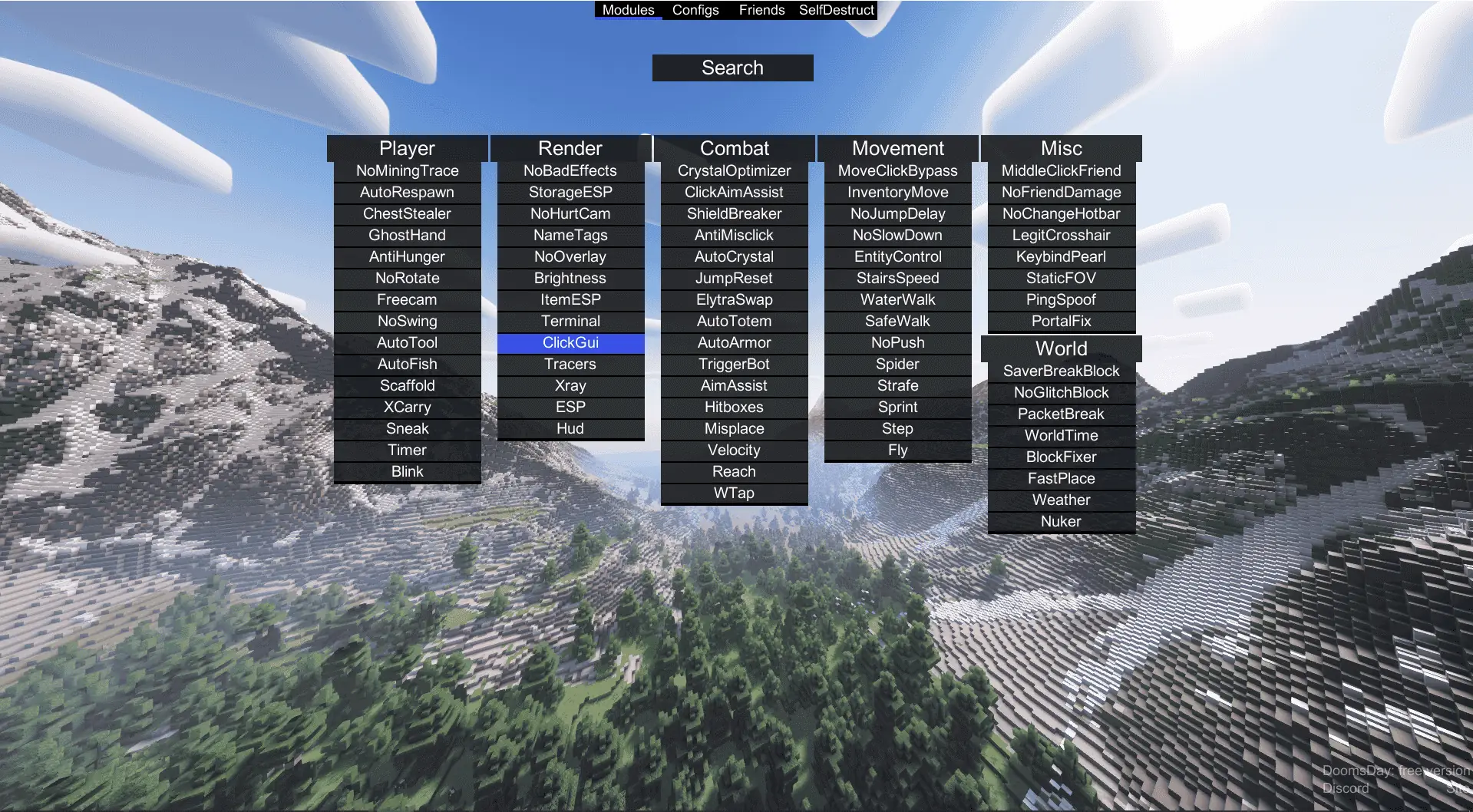
Press Right Shift for the main menu and ~ for the terminal. Both work in game, not on the main menu. Each module can also be bound to its own key in the settings.
My module configuration is gone
It is not – DoomsDay stores configurations in the cloud rather than on your hard drive, so your setup loads automatically on any PC. If your config looks wrong after an update, re-check the module settings in the GUI.
Still stuck?
Join our Discord server – the support team answers daily and usually within minutes. Before asking, check the FAQ; the most common questions are answered there.