Frequently Asked Questions
Everything about installing, running and configuring the DoomsDay Minecraft utility mod
Does DoomsDay replace my launcher?
No. DoomsDay runs as a single JAR file next to the setup you already have – keep using your normal launcher or loader. It does not install its own launcher, change your Minecraft installation or replace any existing files. See the installation guide for the details.
Where can I see every module?
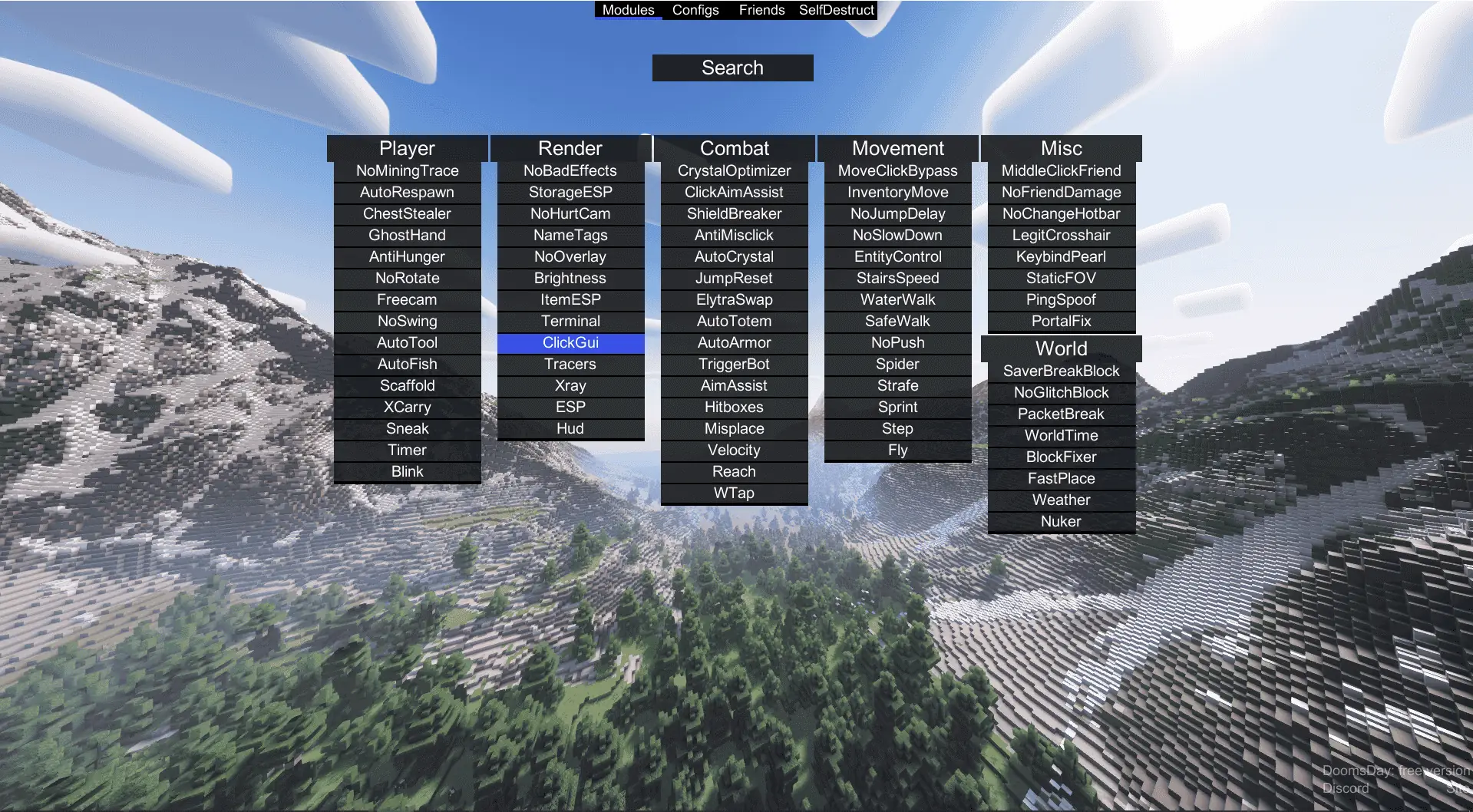
The module list page documents all 77 modules across the Combat, Movement, Render, Player, Misc and World categories – including the settings each one exposes in the GUI.
Is DoomsDay Safe to Use?
Yes. Our Discord community has grown to nearly 30,000 members and the project has been actively maintained for over nine years. Every build is tested before release, and stability and player safety are the top priorities for the development team. Thousands of players run DoomsDay every day without issues.
How Do I Run the Downloaded JAR?
First install Java (8 or newer – recent Minecraft versions need a current Java runtime). Then simply double-click the downloaded JAR file. If Windows opens it with the wrong program, run the free JarFix utility once, and the file will open correctly afterwards. If anything still fails, our Discord support team will walk you through it. The full walkthrough lives on our installation guide.
How Do I Open the In-Game Menu?
Press Right Shift while in game to open the main DoomsDay GUI. The built-in terminal opens with the tilde key (~) and gives you command-line access to every module. Each module can also be bound to its own custom key.
How Can I Reach Support?
The fastest way is our Discord server – the support team is online every day and usually replies within minutes. If you prefer Telegram, our channel is linked in the navigation. Before asking, check this FAQ and the Features page, since most questions are already answered there.
Does DoomsDay Leave Traces on My PC?
No. DoomsDay does not store files on your computer – your module configuration lives in the cloud, so your setup follows you to any machine automatically. Nothing needs to be cleaned up after playing.
Which Minecraft versions are supported?
DoomsDay covers everything from Minecraft 1.8 up to the latest releases. Dedicated loaders exist for Vanilla, Forge, Fabric, Feather, Lunar and LabyMod, so you can use the same client on almost any launcher you already have installed. The current loader list is maintained on our versions page.
Is DoomsDay really free?
Yes – the current version is completely free to download and use, with no locked features. Paid tiers are planned for the future, but the core client will stay free. Follow our Discord or Telegram channel to hear about new releases first.
Does it work on Linux or macOS?
Yes. Windows, Linux and macOS are all supported out of the box. Android players can run DoomsDay through PojavLauncher, so you can use the same client on essentially any device you own.
Something not working? Check the troubleshooting guide. Still have questions? Join our Discord or explore the full module list. The free download is on the home page.